Scenario
I need to add a DHL eCommerce Europe Light integration to the account.
Solution
1. Add the DHL eCommerce Europe Light integration to your Linnworks account.
Go to Shipping > Integrations > Add Integration, and click Integrate for DHL eCommerce Europe Light:
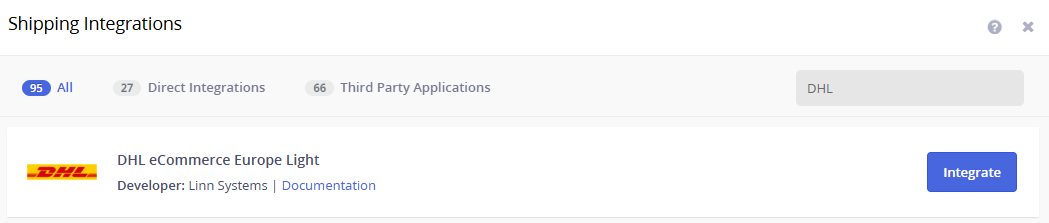
You will need to provide your DHL account number, then fill in the address details to complete the integration.
2. Add services to DHL eCommerce Europe Light.
Once the integration has been added successfully, go to the Services tab and select the required services from the dropdown list.
The following two services are available for this integration:
DHL Connect Light Parcel
DHL Connect Light Parcel - Tracked
3. Save everything.
Click Edit next to the service to enable the required features. Select the options you need, click OK, and then click Finish to save your changes.
Make sure that Shipment Reason and Terms of Sale are selected.
Important: Weight and dimensions are mandatory for the DHL eCommerce Europe Light integration. Make sure that the weight and dimensions are configured at one of the following levels:
- Item
- Order
- Packaging Group
Make sure the weight and dimensions are accurate to ensure the correct shipping charges are applied.
Changes from the Deutsche Post integration
If you're moving from the Deutsche Post integration, there is a key requirement in the new integration that wasn't there before.
Split packaging (multi-parcel consignments) is no longer supported. Shipments can only be created with a single package. If you need to send multiple parcels to the same recipient, split the order into separate orders so each one prints its own label.
If you have any questions about these requirements or run into issues meeting them, please reach out to DHL directly.
Additional Information