Problem:
When I try to add letterhead and signature details for the (New) FedEx integration in the config, I get the following error message:
Exception of type 'linnworks.logger.HandledExceptions.UserHandledException' was thrown
Solution:
The electronic letter-head and signature are required for some destinations when shipping via FedEx and can be added to the (New) FedEx config on your account.
You will need to create the images and copy them to a file sharing service such as Dropbox, Google Drive or an FTP server. NB! There is a specific URL format required! For instructions on how to get the links, see this article.
Please note that the acceptable sizes and formats are as follows:
- For Digital Signature image, the limitation is 240x25 pixels, and the images can be in GIF or PNG formats.
- For Company Letterhead/Logo, the limitation is 700x50 pixels, and images can be in GIF or PNG formats.
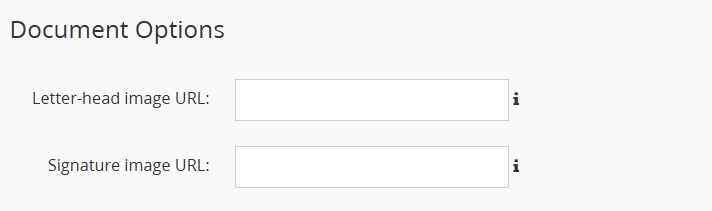
The links to these files need to be entered into the image URL fields under Document Options in the integration config (Linnworks.net > Shipping > Integrations > (New) FedEx > Config).
An example of the letter-head and signature would look like this: