Do not forget to review your Shipping Mapping and Rules Engine to make sure the changes are properly applied there too. |
Background
Royal Mail and Parcelforce are joining into one delivery network. All parcels will now go through the same system. Because of this, Parcelforce has updated its service codes and removed some old ones.
To avoid reconfiguring your whole setup, reuse your existing Parcelforce services by linking them to the new Parcelforce integration.
Scenario
I need to move existing Parcelforce services to the new Parcelforce integration.
Solution
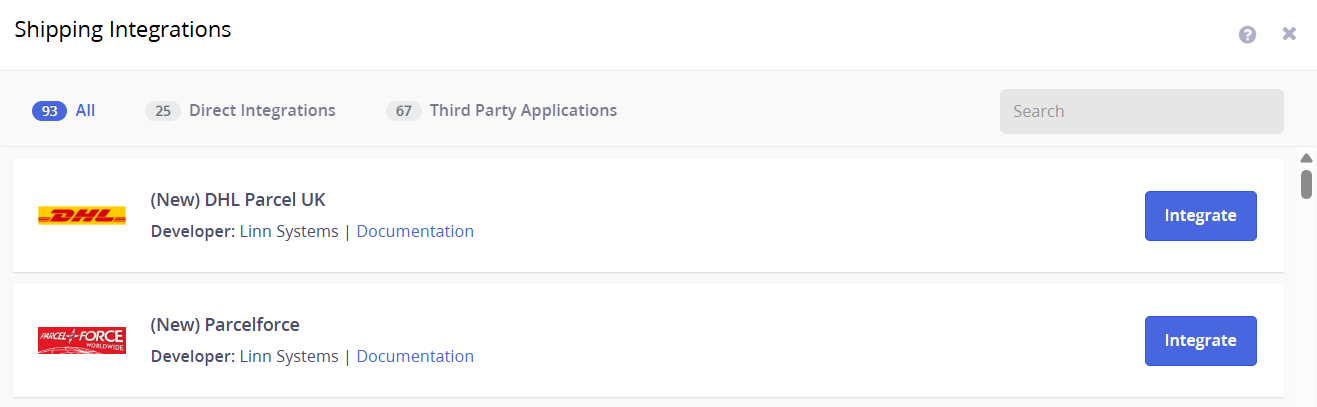
1. Add new Parcelforce integration to your Linnworks account. Go to Shipping > Integrations > Add Integration > Click Integratre for the Parcelforce:
2. Remove old Parcelforce Services.
Go to Shipping > Integrations > Parcelforce > Services > Click the bin icon to remove > Click Finish:

3. Add services to the new Parcelforce integration.
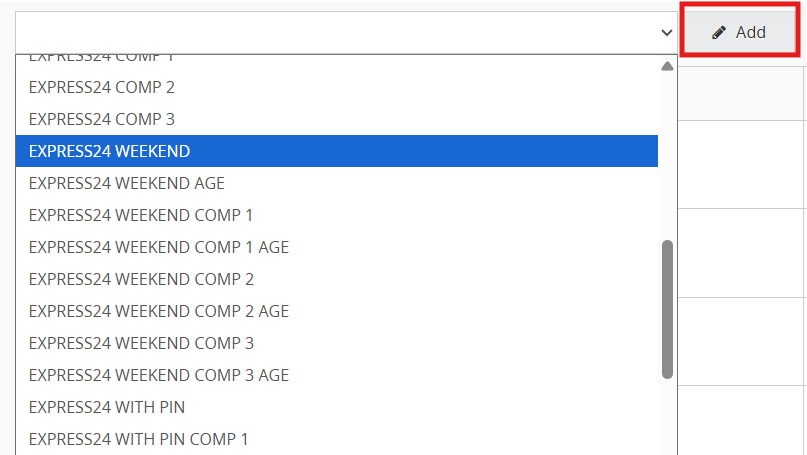
Go to the Services tab under the new integration and Select and add services from the dropdown:
4. Link existing postal services.
Click the link icon next to Edit and choose from the list of unlinked Linnworks Postal Services:


5. Save everything.
Additional Information